Platforms and devices
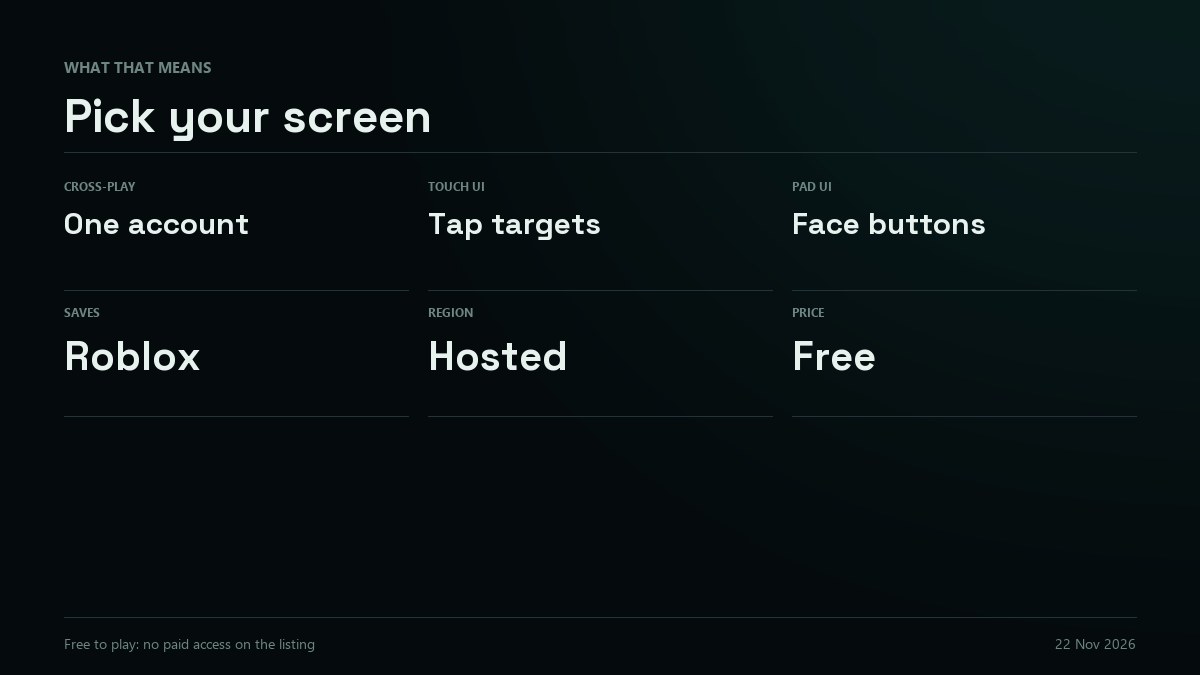
Dragon Arena runs on PC, mobile, tablet and console with full controller support, and your progress follows the Roblox account rather than the device.
Dragon Arena runs on four device types and supports a controller everywhere. The listing's own sentence is short: experience it on PC, mobile, tablet, or console, with full controller support. That sentence covers more ground than most Roblox listings bother with, so it is worth unpacking.
The listing's platform line
| Device | Listed | Input |
|---|---|---|
| PC | Yes | Keyboard, mouse, pad |
| Mobile | Yes | Touch |
| Tablet | Yes | Touch |
| Console | Yes | Pad |
| Controller | Full support | Any listed device |
"Full controller support" is a strong claim. In practice it means the game should be completable with a pad alone, menus included. The things to verify on your own setup are movement, interaction, menu access and text entry for codes.
Free on every platform
The store page shows no price and the pass list returns empty. That combination means there is no paywall between a new player and the game on any device.
| Store field | Value |
|---|---|
| Price | Free |
| Paid access | None |
| Game passes | 0 returned |
| Age rating | Not stated in the API |
Choosing a device
The loop is the same everywhere. What changes is how easily you can read the screen and how long you can sit with it.
| Task | Best device | Why |
|---|---|---|
| Reading the wave screen | PC or tablet | Bigger HUD |
| Claiming the daily offline payout | Phone | Two taps |
| Pushing a boss | PC | Screen space |
| Typing a code | PC | No autocorrect |
A phone is the weakest device for a boss attempt and the best for a claim. That split is worth planning around if you own more than one screen.
Switching devices
Progress follows the Roblox account, so the team, the coins and the plot are the same everywhere. The same mechanism drives the offline loop: start on one device, claim on another.
| Thing | Follows the account | Stays on the device |
|---|---|---|
| Dragons | Yes | No |
| Coins | Yes | No |
| Plot tier | Yes | No |
| Graphics settings | No | Yes |
| Controller layout | No | Yes |
The last two rows surprise people. A graphics setting is local, so a phone and a desktop can run different quality levels without affecting each other.
Console notes
No console brand is named in the listing. Roblox runs on several, and the game supports a pad, but this page will not print a platform list the developer did not publish.
| Question | Answer |
|---|---|
| Which console? | Not named in the listing |
| Is a pad required? | No, but it is supported |
| Does the UI change on console? | Roblox handles that per device |
| Are codes typeable on console? | Yes, through the on-screen keyboard |
Performance
Six players per server is a small session, which usually means better frame rates than a crowded open world. A device that struggles in a 30-player server may run this fine.
| Sign | Meaning | Move |
|---|---|---|
| Choppy waves only | Mob load | Lower graphics |
| Slow first load | Asset download | Wait, then rejoin |
| Touch misses | UI scale | Check settings |
| Pad not detected | Pairing | Reconnect before launch |
Not published
There is no official system requirement list, no supported-language list and no region list. Roblox handles most of that at the platform level, which is why the game does not repeat it.
| Item | Status |
|---|---|
| System requirements | Not published |
| Supported languages | Not published |
| Server regions | Not published |
| Console brands | Not published |
Touch controls in practice
On a phone or tablet, everything is a tap: the team row, the upgrade button, the wave screen. Two habits make touch sessions smoother.
- Tap the egg screen before a wave, so a hatch is not queued behind combat.
- Zoom out if the game allows it, because a wide view reads better than a close one on a small screen.
A pad removes most mis-taps, which is why the console version and a controller on PC feel calmer during a boss attempt.
Verify in game
Launch the experience on each device you own and open the same screen: the team view. If the four element symbols read the same everywhere, your setup is consistent. If a device hides half the HUD, use it for claims rather than boss pushes.
Common questions
Can I play on a phone?
Yes. Mobile is named in the listing, and touch is the input. The controls page covers session setup by device.
Is there a Switch version?
The listing says console without naming one. This site does not add platform names the developer has not published.
Do I need a controller?
No. Full controller support means a pad works, not that it is required.
Is progress shared between devices?
Yes, it follows the Roblox account. It is also why free claims are one per account, not one per device.